Black and White negatives in Darktable
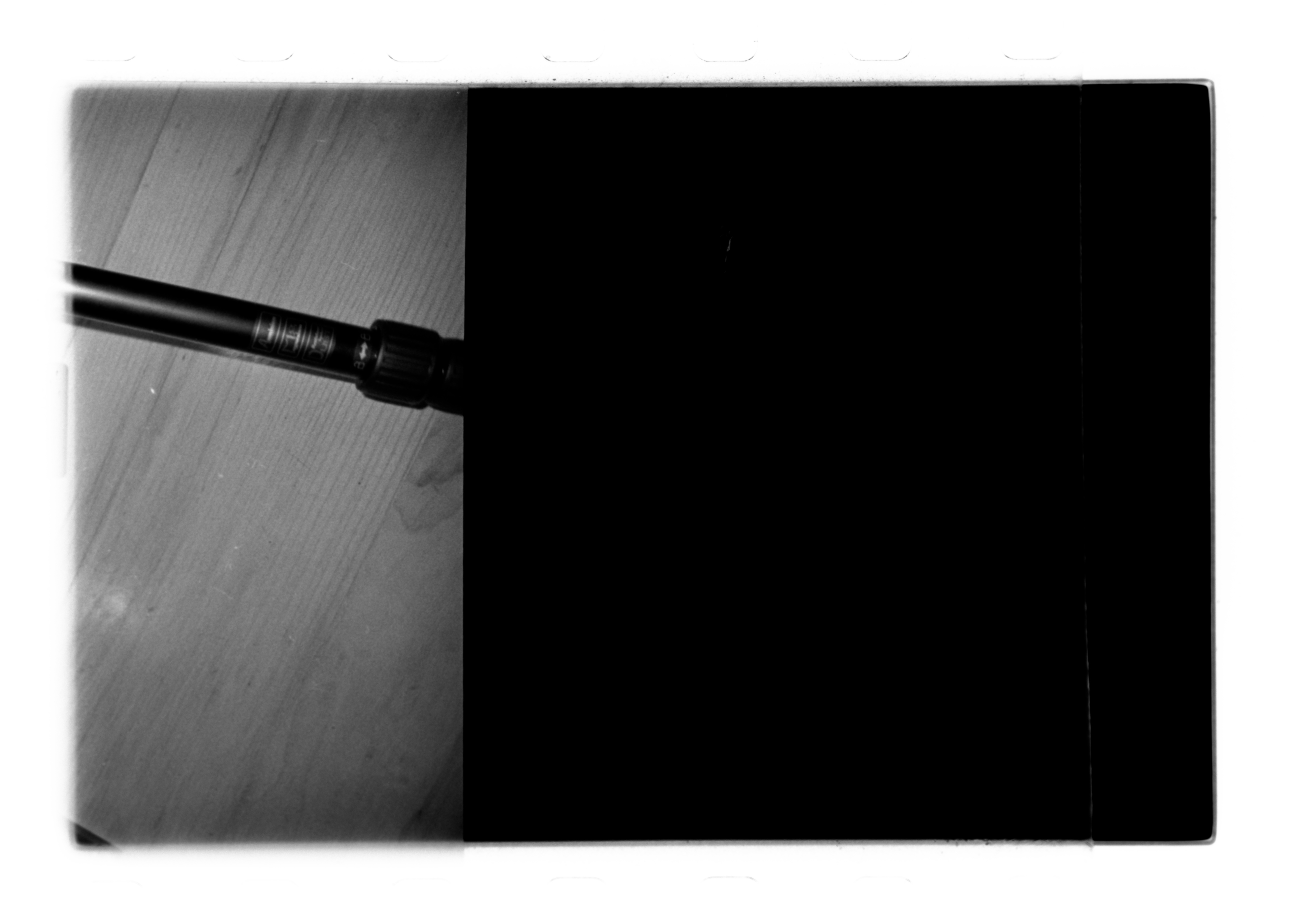
Darktable can be quite confusing but it is open source and free so I'll stick with it!
Here's my process for converting scanned 35mm black and white negatives using negadoctor - this is very bare bones and not extensively tested, but it is something.
What you need:
- A photo of your light source without any negative in front
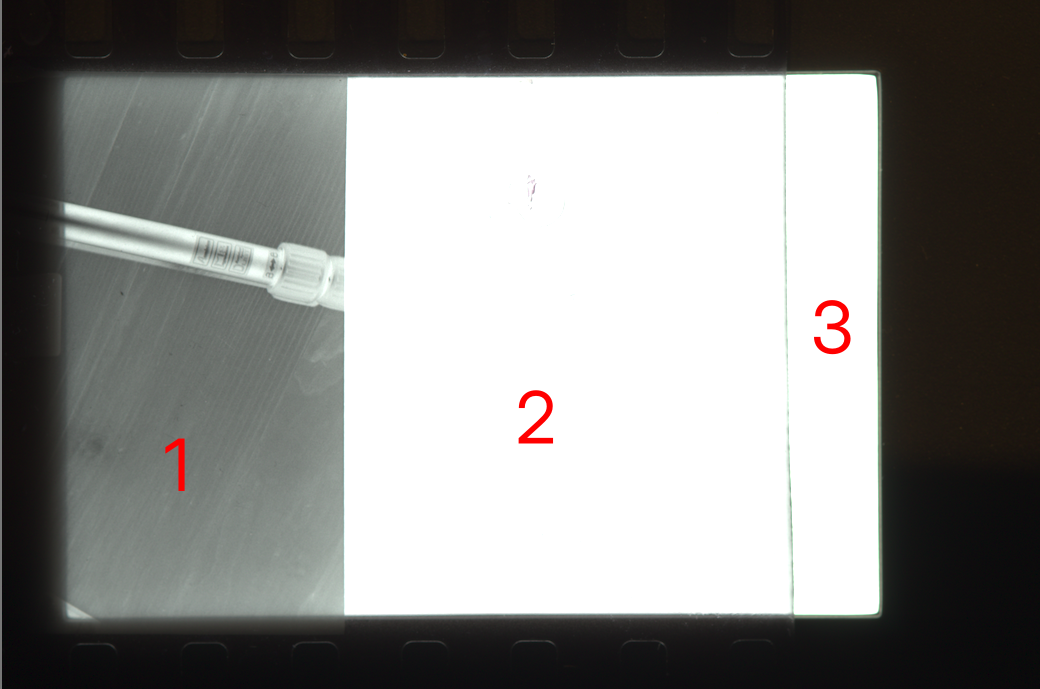
- A photo with a chunk of unexposed negative
- A photo or part of photo that is exposed
Whitebalance
Take a reference photo of your back-light without any negative in front. In darktable open this photo and remove all auto-applied modules, by clicking the top module in history, that has a "dot"-icon instead of the "power"-icon, in my darktable that is "5 Display encoding".
Open the white balance module and select "set white balance to detect from area" - set the area to only cover the pure light, no dust, borders or anything else. Set "tint" to 1, this will turn the light white again.
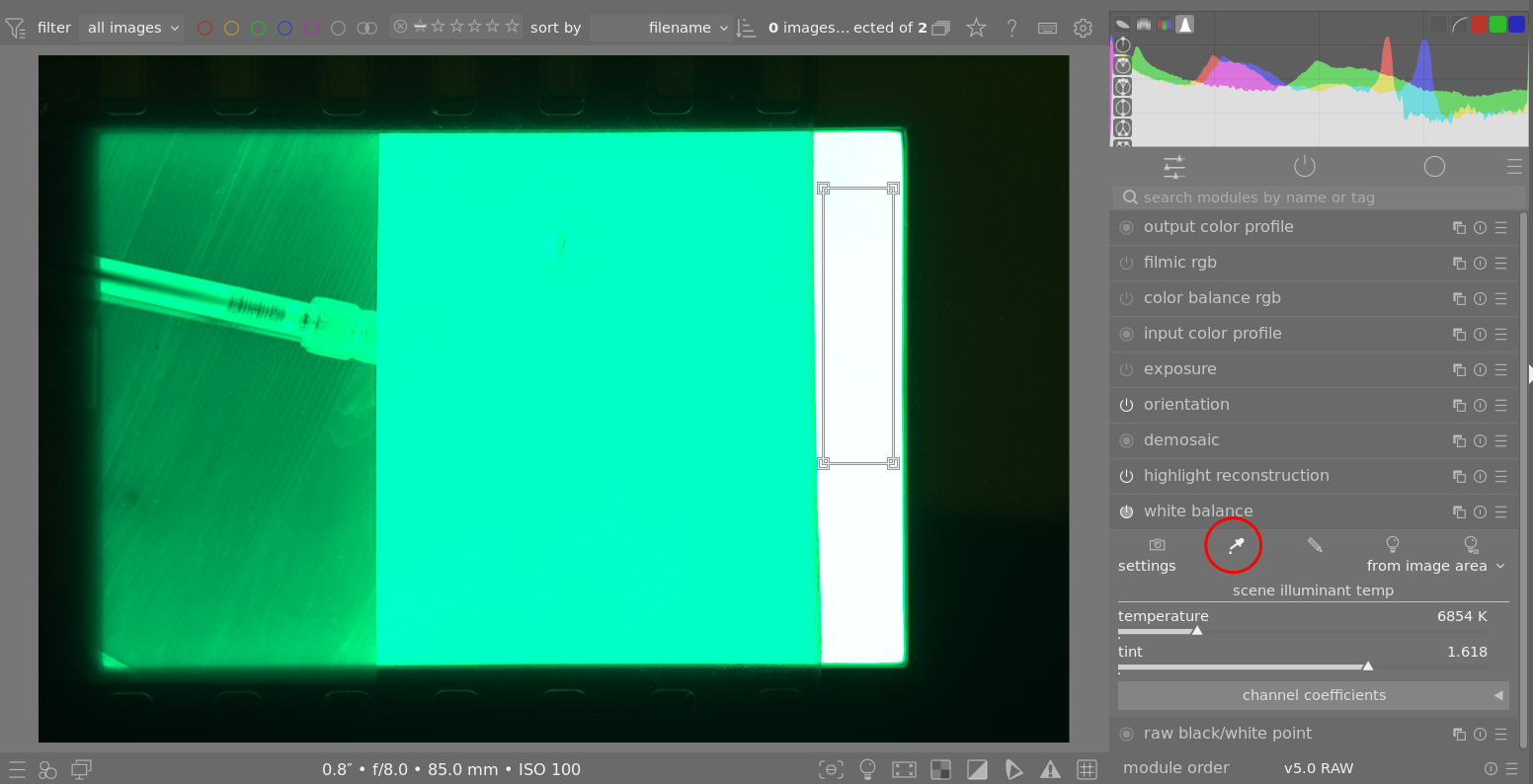
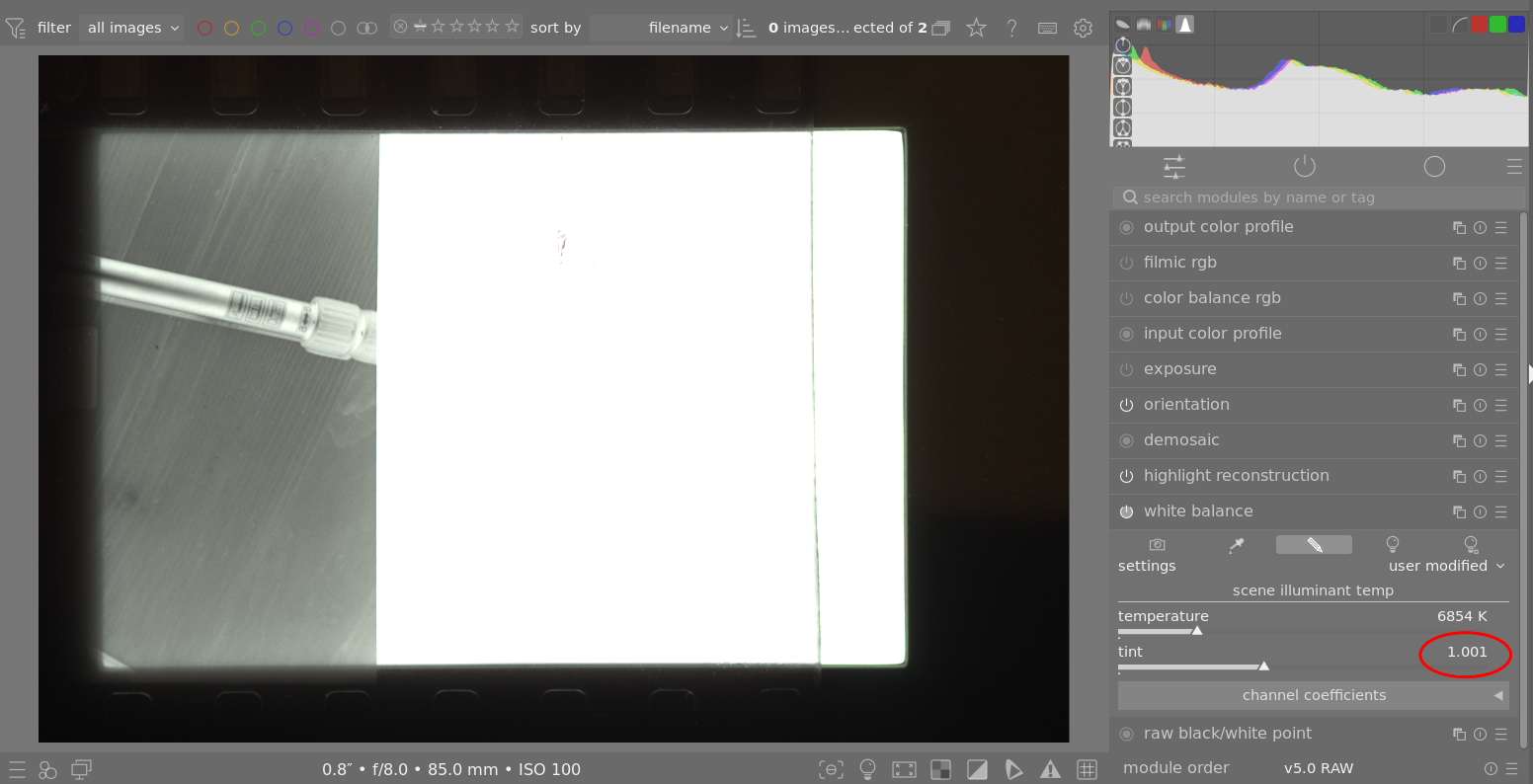
Save this preset as it will be the same for every negative "scanned" on this light-source.
Negadoctor
Open a photo, remove all auto-applied modules, and apply the white balance preset.
Open negadoctor, choose "Black and White" film stock. Go to the first tab "film properties".
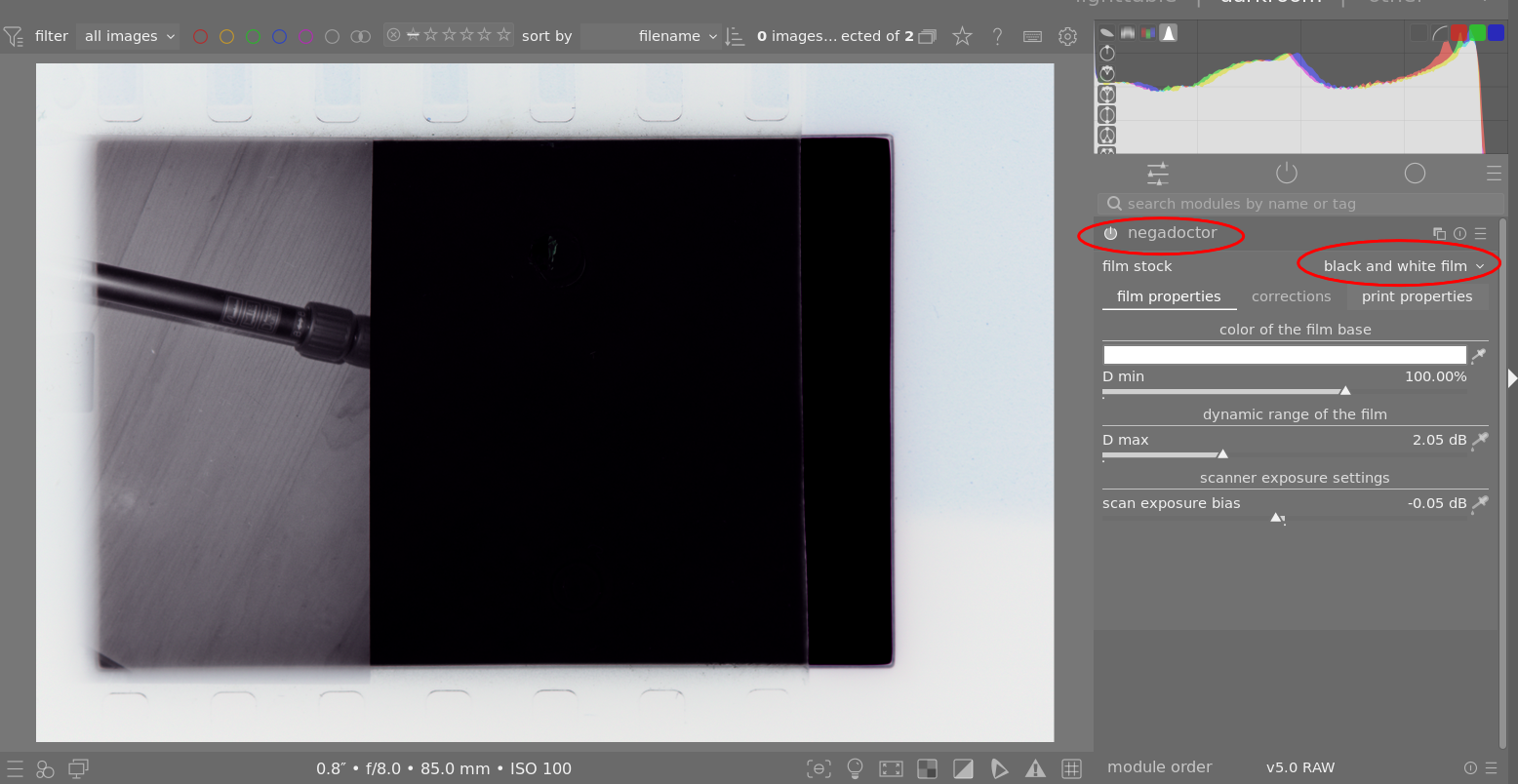
Select the eyedropper on the first value "color of the film base"/"D min" and select an area of the photo that is not exposed, I use the piece of the film that is closest to the spool.
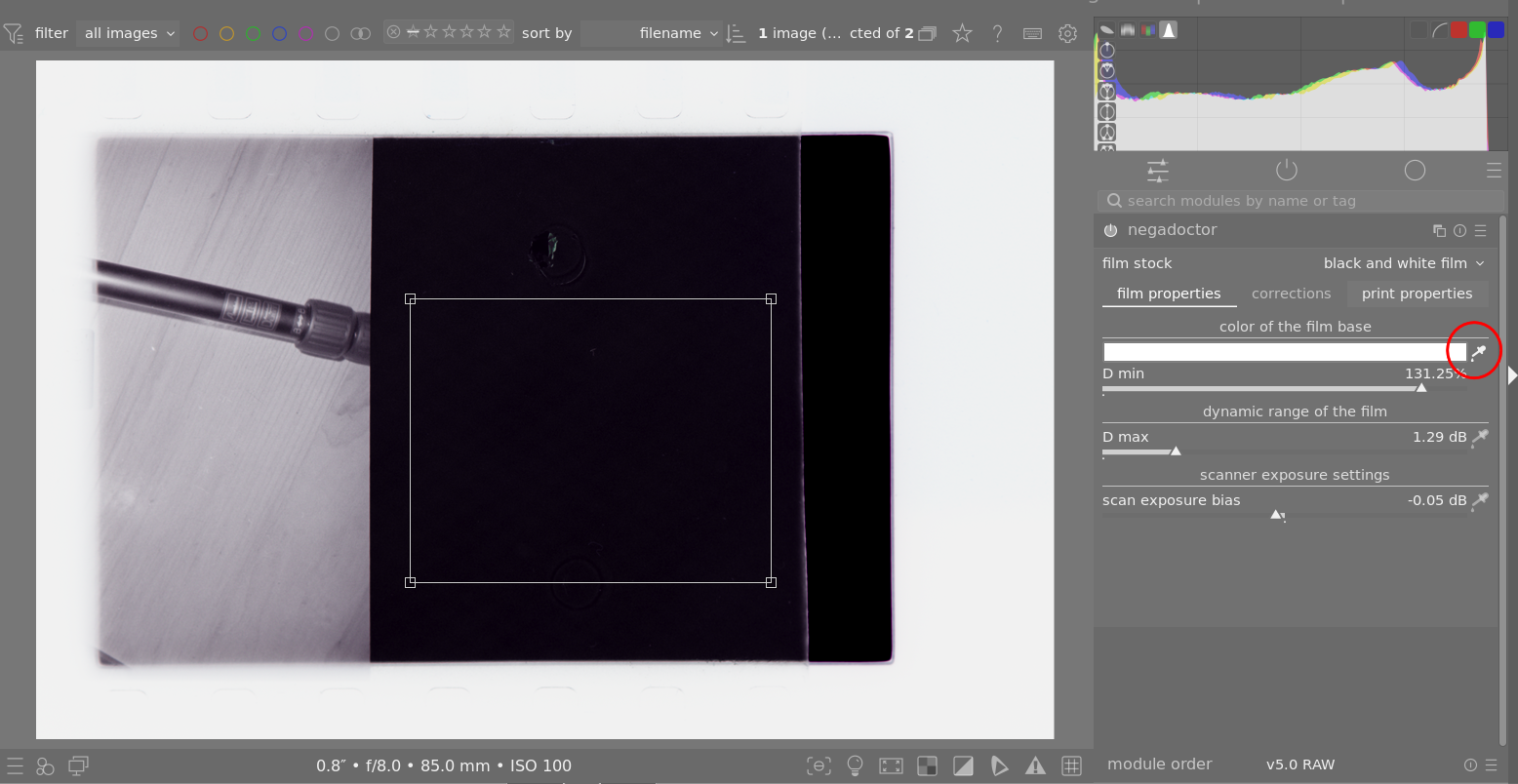
Select the next eye-dropper for "dynamic range of the film"/"D max" and select exposed film - that is, an actual photo, nothing of the unexposed film / sprocket-holes and such.
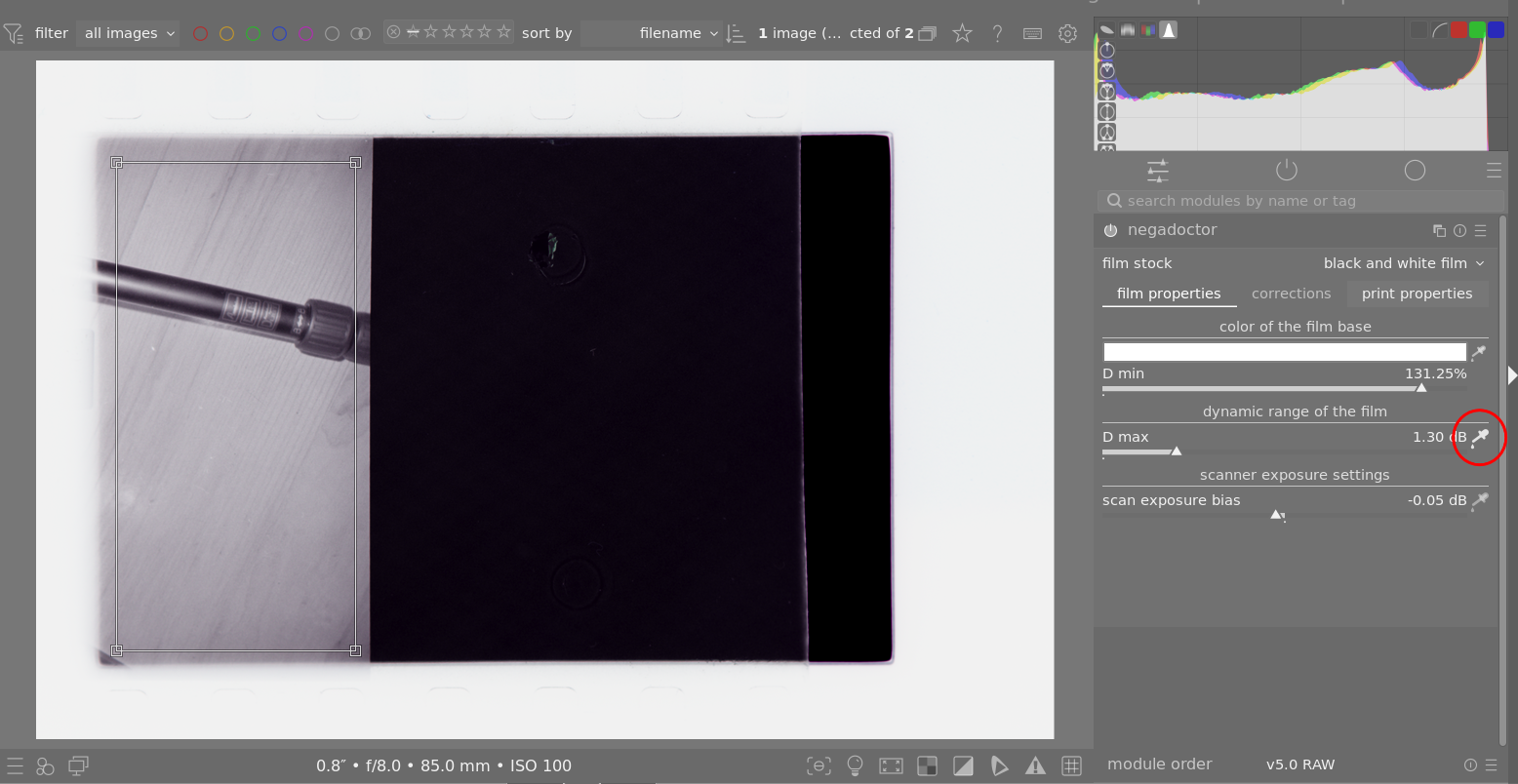
Use the same are as used in "D max" (image just above) for exposure and the eye-droppers in "print properties" - This should give you a use-full baseline! I don't touch the "correction"-tab at all.
Save this preset with the name of the film used - as this will probably be the same or close for all scans of that film.
Monochrome
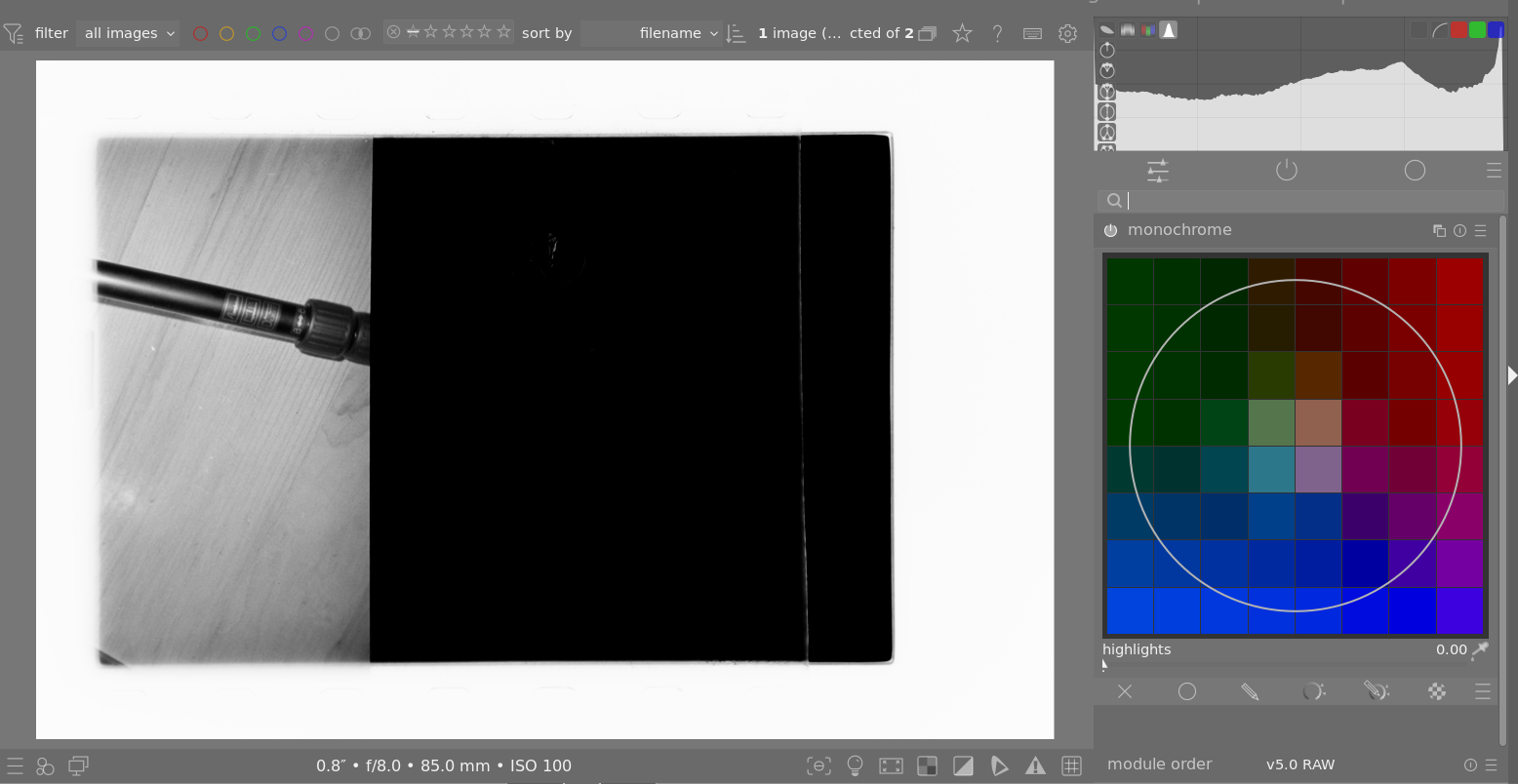
If the photo has a tint of color that you don't like, darktable has a monochrome module that you just turn on and the image should be more or less black and white 😄